
Add Bluebird to your Roku.
It's free and takes about ninety seconds. Keep this page open, or print it.
- 1
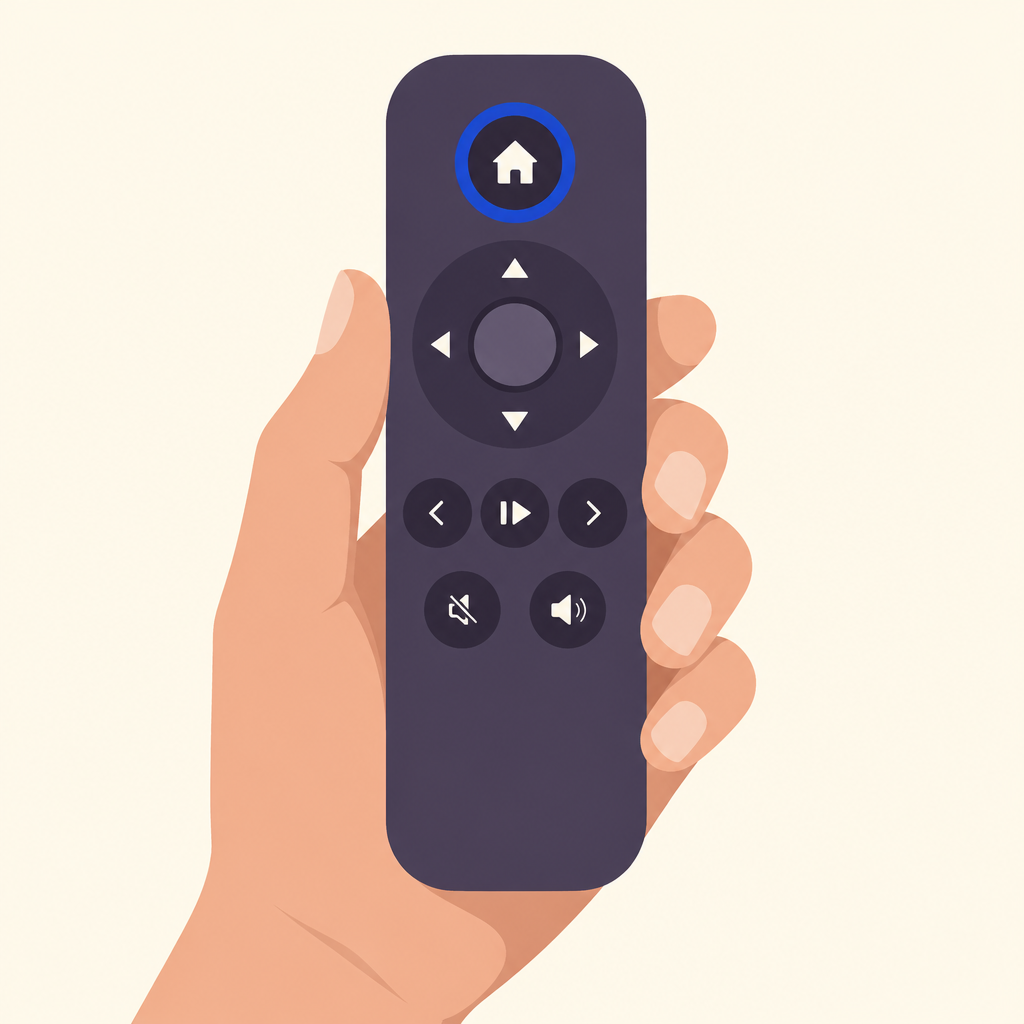
Press the Home button on your Roku remote.
- 2
Choose Streaming Store (on some Rokus it's called Streaming Channels).
- 3
Choose Search and type Bluebird.
- 4
Choose Bluebird, then Add channel. It's free.
- 5
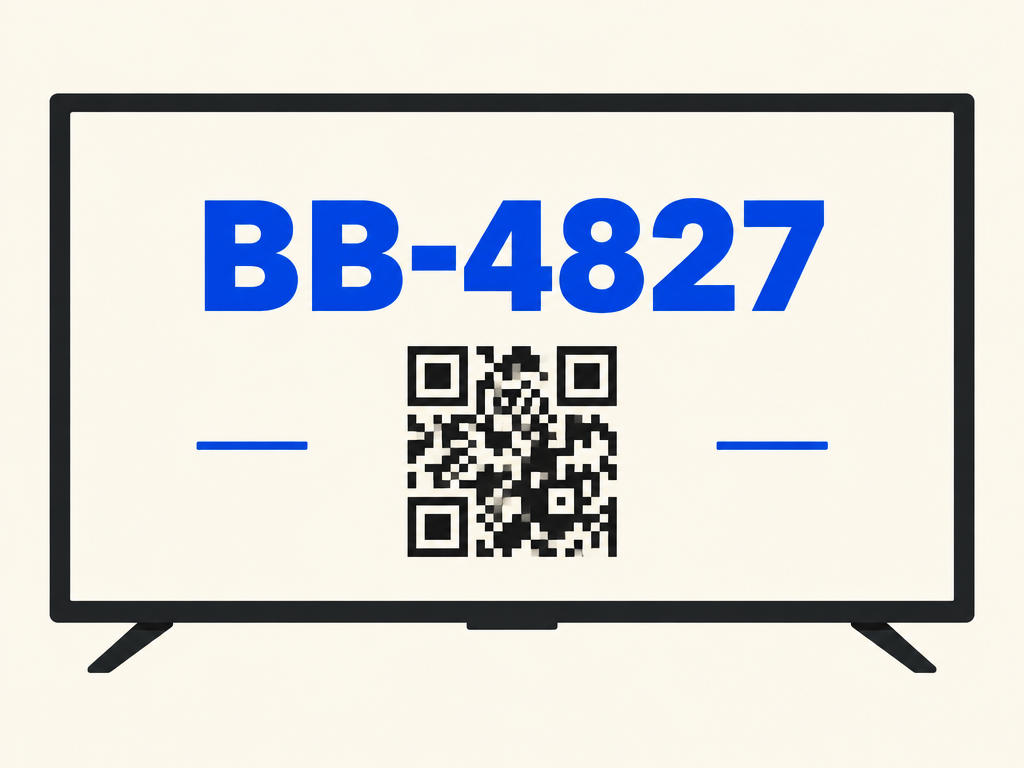
Open Bluebird. A six-character code and a square appear on your screen. Point your phone's camera at the square, or go to watchbluebird.com/start and type the code.
Rather not do it yourself?
Call 1‑800‑555‑0147 and a person will walk through it with you.
Or call and we'll mail large-print instructions, free.
Already have a code on your screen? Type it in here.